
Common formatting pitfalls that harm your ATS score

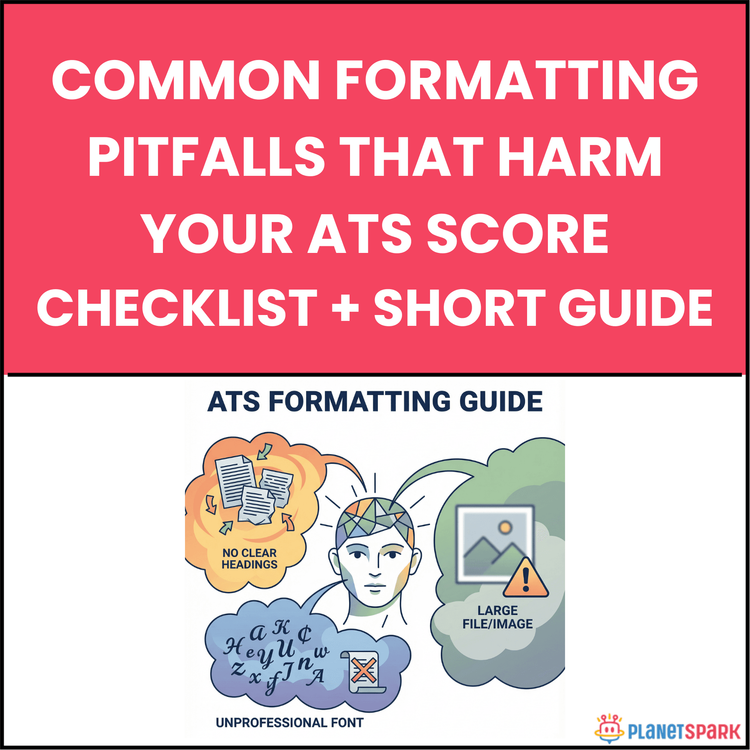
Common formatting pitfalls that harm your ATS score
Common Formatting Pitfalls That Harm Your ATS Score (And How to Fix Them Fast)
You might have the right experience, the right skills, and a well-written CV—yet still hear nothing back after applying to jobs. For most working professionals, the problem isn’t capability. It’s visibility. Today, over 98% of large companies use Applicant Tracking Systems (ATS) to screen CVs before a recruiter ever sees them. And here’s the uncomfortable truth: a visually impressive CV can fail before it’s even read.
This is exactly why the resource “Common Formatting Pitfalls That Harm Your ATS Score” exists. It’s designed to help job seekers identify and fix formatting issues that silently block their CVs from passing automated screening systems—often within seconds.
Who Is This Resource For?
This resource is especially useful for:
- Working professionals applying to mid-to-large organisations
- Job seekers with 0–15 years of experience
- Career switchers updating their CVs for new industries
- Consultants, managers, and specialists applying online
- Anyone receiving low response rates despite strong qualifications
If you’ve applied to dozens of roles with little or no feedback, this guide is meant for you.
What Does This Resource Contain?
This guide is structured as a practical, step-by-step checklist rather than theory-heavy reading. Inside, you’ll find:
- A clear explanation of how ATS systems read and rank CVs
- Six critical formatting pitfalls that commonly cause CV rejection
- Dedicated checklists for each pitfall, including:
- Headers and footers
- Graphics, images, and text boxes
- Fonts and typography
- Tables and multi-column layouts
- Section headers and hierarchy
- Special characters and symbols
- Quick fixes you can apply immediately
- Plain-text testing methods to validate ATS readability
- A real-world before-and-after CV transformation example
- A final, consolidated ATS formatting checklist for quick review
Everything is written in simple language with actionable guidance, so you can apply changes without technical expertise.
Summary of the Resource
In short, this resource helps you convert a visually designed CV into an ATS-readable, recruiter-friendly document. It focuses on removing formatting barriers that prevent your experience, skills, and keywords from being properly parsed and ranked by applicant tracking systems.
How Will This Resource Be Useful?
By using this guide, you will:
- Increase the chances of your CV being correctly parsed by ATS software
- Ensure your contact details, experience, and skills are actually visible
- Avoid silent rejection caused purely by formatting errors
- Improve your CV’s ranking against job requirements
- Get more interview calls without changing your qualifications
These fixes don’t exaggerate your profile—they simply ensure your existing strengths are seen.
How Should You Use This Resource?
There are three effective ways to use this guide:
1. Quick Audit: Scan your current CV against the checklists in under 10 minutes to spot major issues.
2. Deep Dive: Read each pitfall section carefully to understand why certain formatting choices hurt your ATS score.
3. Active Repair: Keep the guide open while editing your CV and apply fixes section by section.
For best results, use it actively—not just as a read-through, but as a working reference while editing.
Action Steps
Once you access the resource, take these steps immediately:
1. Open your current CV alongside the guide
2. Remove all header and footer content
3. Convert multi-column layouts into a single column
4. Replace graphics, charts, and icons with plain text
5. Standardise fonts, sizes, and section headers
6. Clean up special characters using Find & Replace
7. Test your CV in a plain text editor
8. Save an ATS-optimised version for online applications
An ATS-friendly CV doesn’t need to be flashy—it needs to be readable. This resource helps you simplify your CV without weakening your profile, so your experience reaches real decision-makers instead of getting filtered out by software. Treat formatting as a career lever, not an afterthought. Small structural changes can unlock opportunities you were already qualified for.
Book your free session today!